

 16:9
16:9Muse Video online generator
Muse Video turns words into cinema-grade AI video .
Text, image and video in. Cinematic motion out.
Draft cinematic shots from text, reference images, or rough video ideas. Shape camera movement, grounded physics, consistent characters and native audio cues before you continue in the full workspace.
Prompt examples
Start from a cinematic prompt, then direct motion, sound and camera.
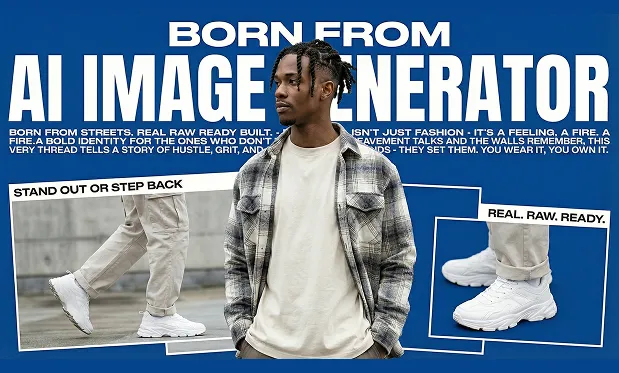
Use these examples for product clips, storyboards, social videos and character shots. Each card opens the generator with a prompt ready to run.
16:9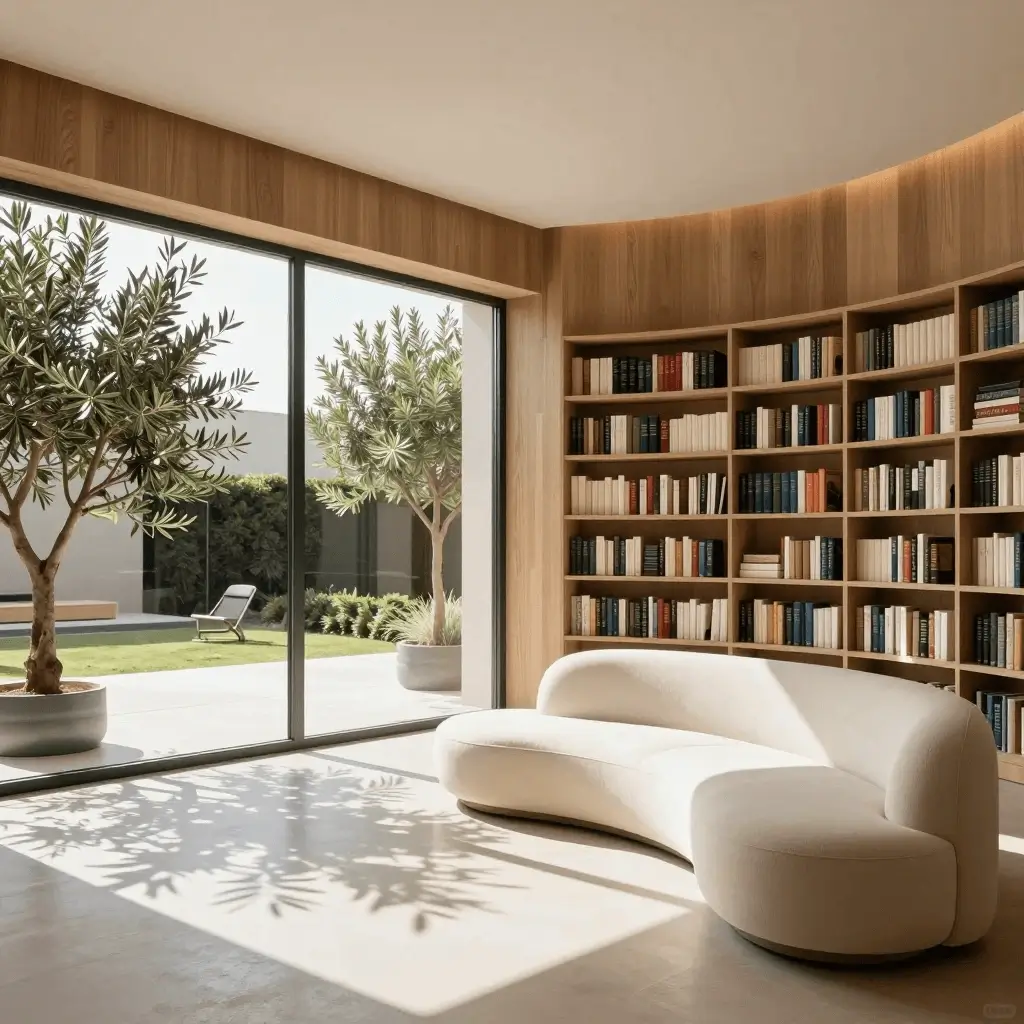 9:16
9:16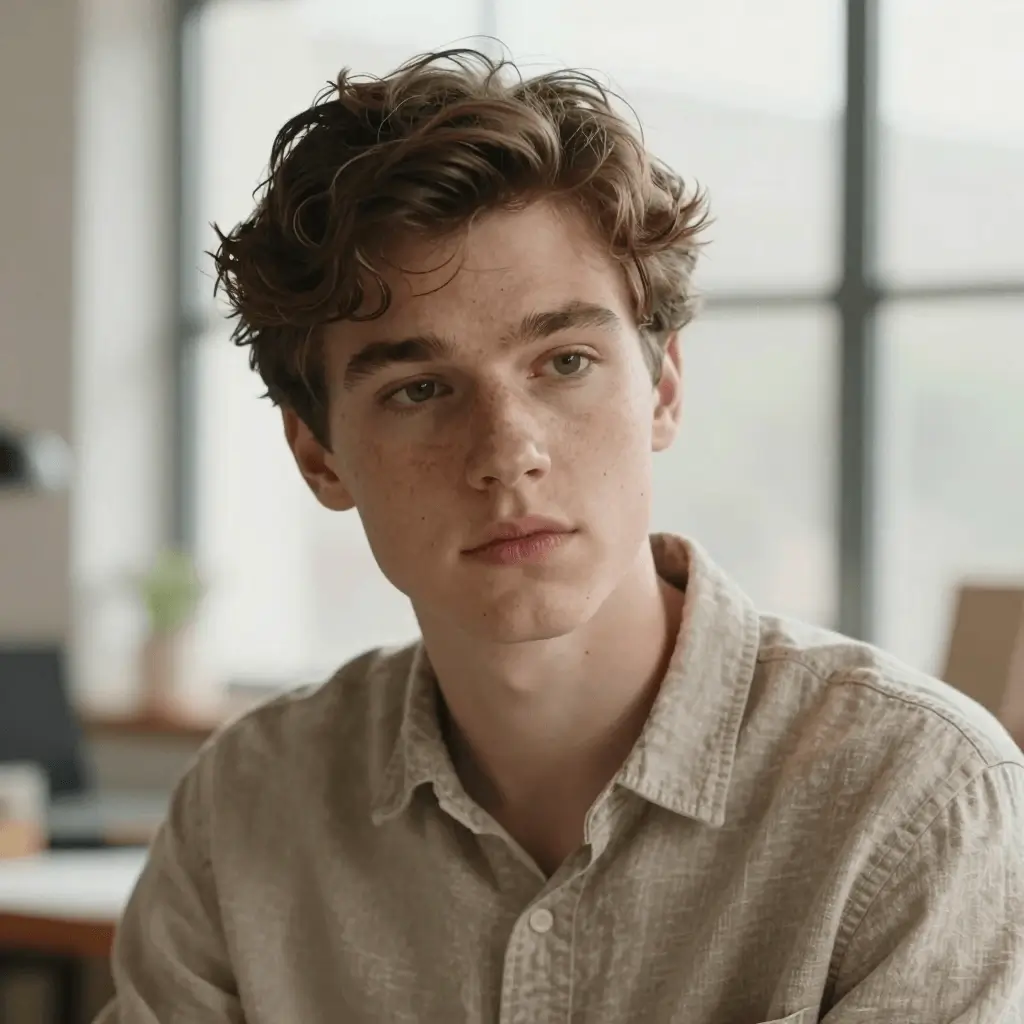 16:9
16:9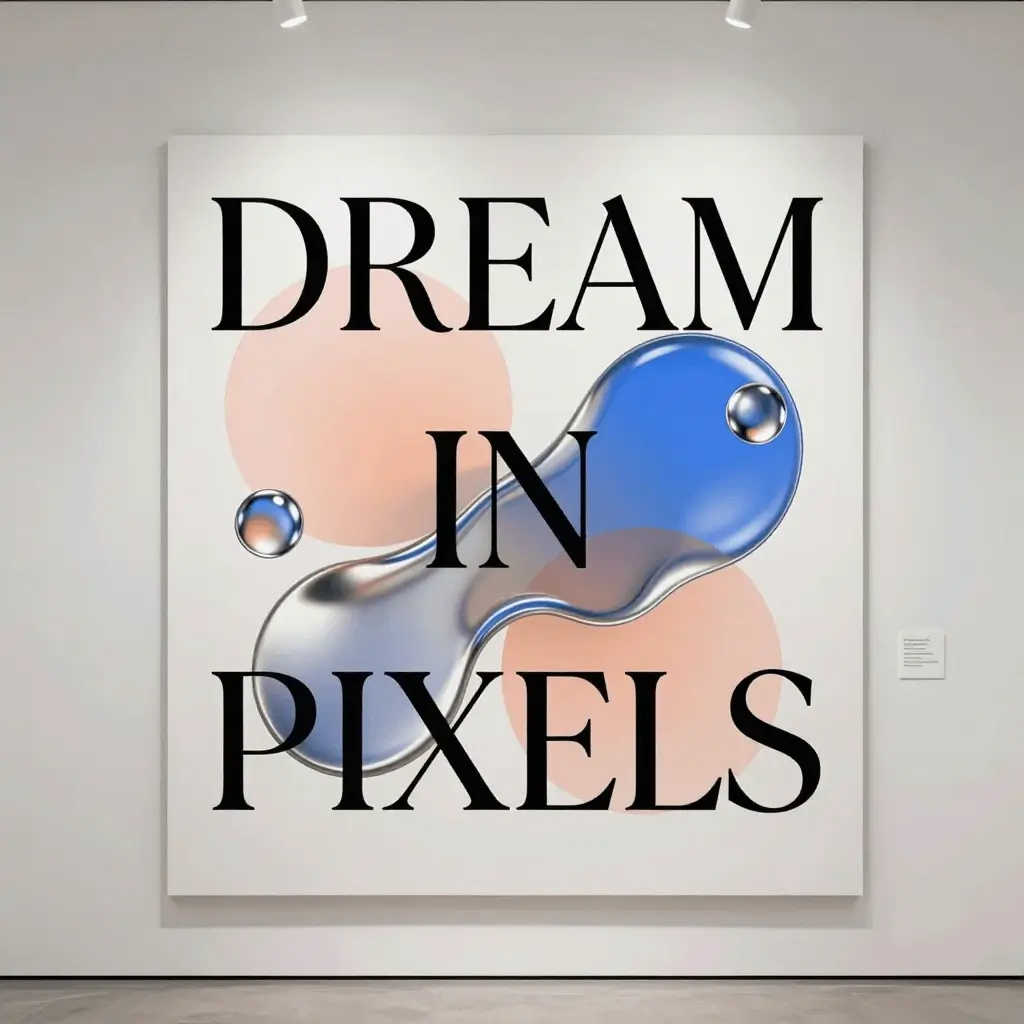 1:1
1:1Meet the model
What is Muse Video?
Muse Video is Meta’s early-preview video generation model, introduced with Muse Image by Meta Superintelligence Labs. Public pages emphasize text, image and video inputs, native synchronized audio, grounded physics, consistent characters, remix workflows and directable camera work. mues.video turns that demand into a focused generator experience while the official Meta rollout is still coming soon.
A Meta generation preview
Muse Video was introduced as part of Meta’s new Muse media model family, aimed at creator and Meta AI workflows.
Built for cinematic consistency
The public preview highlights strong visual fidelity, prompt adherence and temporal consistency across short video generations.
Online, no GPU required
Open the workspace in your browser, write a scene prompt, set ratio and duration, then generate without local setup.
Why this model
Muse Video key features for AI video creators
A design-forward walkthrough of Muse Video strengths — paired with curated cinematic previews.
Model
Cinematic style generation
A focused online experience for users searching for Meta’s video model, tuned around prompt-led video drafts and cinematic scenes.
Start creating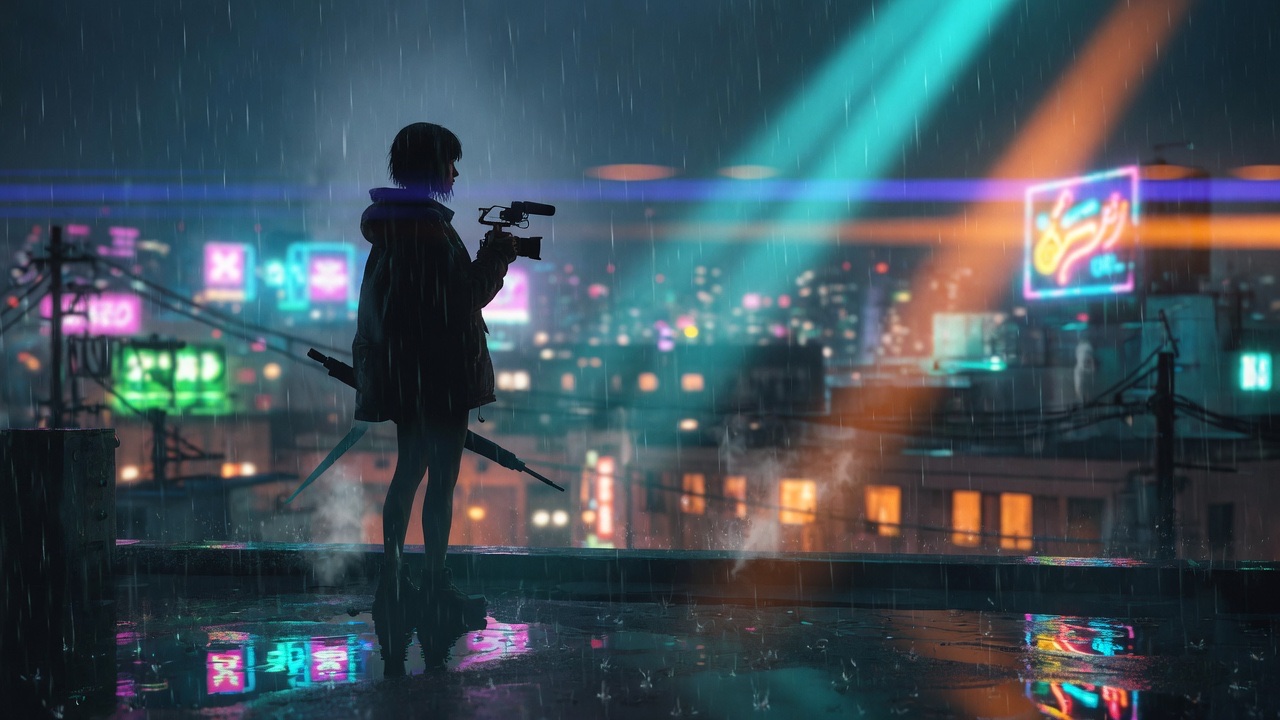
Quality
Visual fidelity first
Use detailed prompts for lighting, camera movement, composition and subject continuity across a short clip.
Try a prompt
Audio
Native audio cueing
Write prompts with room tone, effects, ambience or dialogue cues so the video brief already thinks in picture and sound.
Explore motion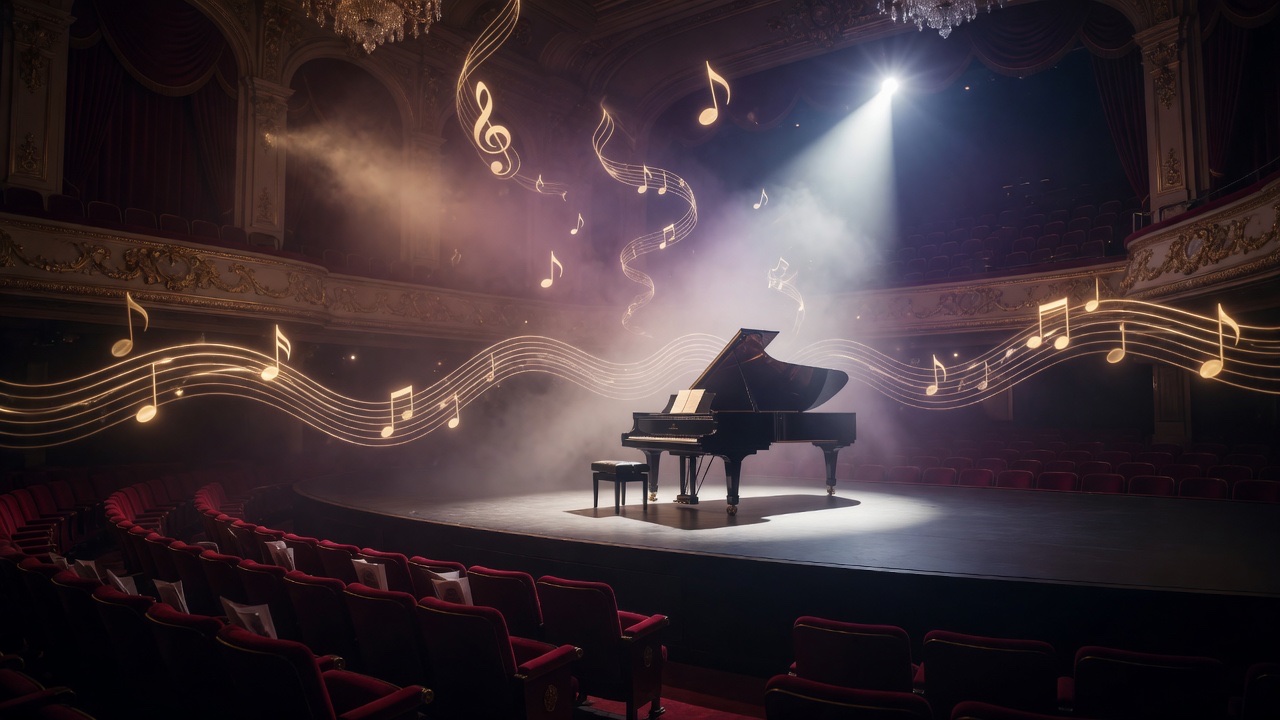
Formats
Ratios for campaigns and social
Create wide, vertical, square and classic aspect ratios for landing pages, ads, reels, storyboards and product motion concepts.
See pricing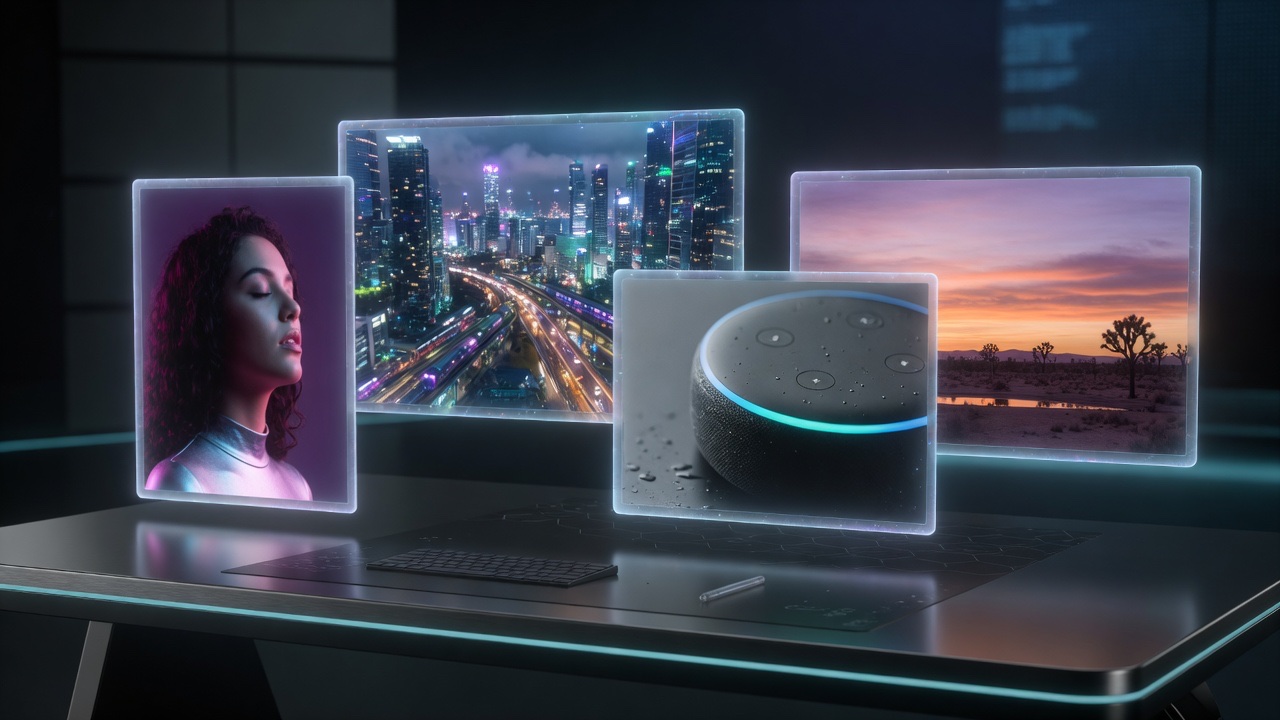
Speed
Fast prompt iteration
Move from scene idea to first draft quickly, then revise camera motion, pacing and visual style.
Workflow
One unified workspace
Generate, review, download and revisit tasks in one account-based workspace with history, credits and prompt reuse.
Quality
Visual fidelity first
Use detailed prompts for lighting, camera movement, composition and subject continuity across a short clip.
Audio
Native audio cueing
Write prompts with room tone, effects, ambience or dialogue cues so the video brief already thinks in picture and sound.
Three simple steps
How to use Muse Video online
Describe the scene
Write a prompt with subject, setting, lighting, camera move, action, style and pacing. Add sound direction if it matters.
Choose video settings
Pick duration, resolution and aspect ratio. Add reference images when you want stronger visual guidance.
Generate and iterate
Run generation, review the result, download the clip or refine the prompt for another pass.
Need a faster start? Open the Muse Video generator or check pricing and credits before you scale production.
Use cases
What can you create with Muse Video?
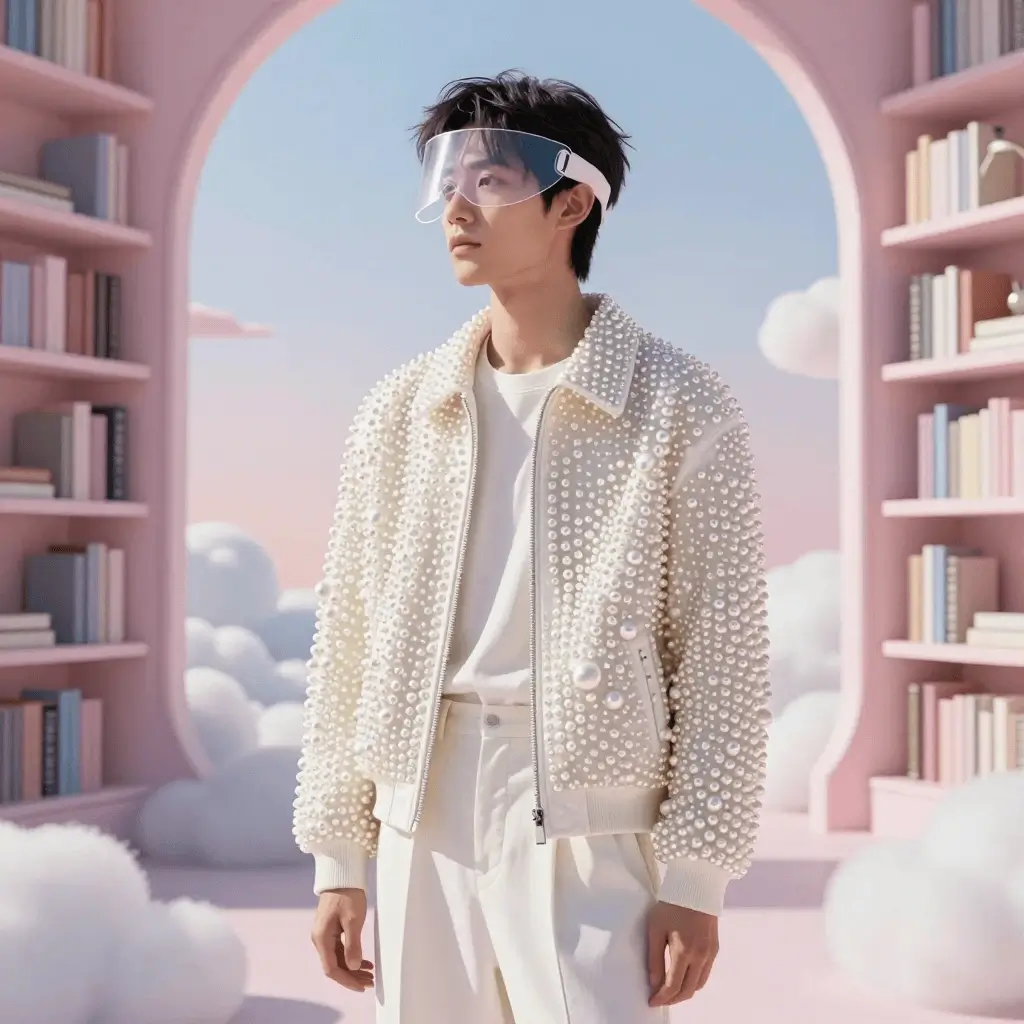
Storyboards and concept shots
Turn written scene ideas into motion studies for pitches, short films, ads and creative direction.
 Create a storyboard
Ads and launch teasers
Draft short promotional videos with product motion, lighting notes and branded visual direction.
Draft an adProduct motion clips
Create elegant product videos from a prompt, including camera orbit, macro light, reflections and mood.
Generate product motionSocial media loops
Generate vertical, square or widescreen clips for posts, reels, thumbnails and launch experiments.
 See pricing
Credits
Try Muse Video before scaling production.
Start with introductory credits, test short clips, then upgrade when you need more video generations for campaigns, storyboards, ads or social content.
View pricingWorkflow
Generate, review and reuse your best prompts.
After a generation finishes, use history to revisit prompts, download outputs and iterate on camera motion, aspect ratio and scene direction.
- Write a scene prompt
- Generate a short video
- Review, download or iterate
FAQ
Muse Video — frequently asked questions
What is Muse Video?
Muse Video is Meta’s early-preview AI video generation model from Meta Superintelligence Labs. Meta says it is built on the same pretraining base as Muse Image and focuses on visual fidelity, prompt adherence, temporal consistency and native audio support.
Is Muse Video officially available today?
Meta announced Muse Video as coming soon to creators and Meta AI. mues.video is an independent online generator experience for users searching for this style of AI video workflow.
Can I generate clips from text?
Yes. Open the Muse Video generator, write a scene prompt, choose video settings and generate a short AI video draft in the browser.
Does it support reference images?
The workspace supports text prompts and optional reference images so you can guide subjects, style and composition more precisely.
What should a good prompt include?
Describe the subject, setting, motion, camera angle, lighting, pacing, style and audio direction. Specific prompts usually produce more controllable video drafts.
How is Muse Video different from Muse Image?
Muse Image focuses on agentic image generation and editing. Muse Video extends the Muse media family into temporal video generation with native audio support and frame-to-frame consistency.
Ready to create?
Open Muse Video and generate your first AI video draft online.